
Room-scale VR tracks your position across a real area so you can step, turn and lean inside the virtual scene. traVRsal makes that physical movement the main way worlds are traversed, then uses impossible architecture to keep the journey inside the mapped boundary.
Many VR games support standing movement while using a thumbstick or teleport arc to cover longer distances. A room-scale game is different when the layout itself is designed around your floor. Doors must be reachable. Corners must return you safely. Encounters must respect both the virtual fiction and the space around the headset.
traVRsal treats the boundary as an input to the world rather than a warning added after the level is built. That distinction is important: the runtime can choose a compatible arrangement before play, so a corridor or chamber is positioned where real floor exists.
Core requirement
Prepare a clear rectangular area of at least 1.5 × 1.5 metres. Only include floor you can use comfortably, with a deliberate margin from walls, furniture, lamps, pets and other people.
How much play space do you need?
The minimum supported rectangle is 1.5 × 1.5 metres. A rectangle matters because world modules need predictable width and depth. An irregular boundary may contain the same total area but provide fewer safe placements for doorways or turns.
Measure the usable area, not the room’s wall-to-wall dimensions. A sofa, desk corner or low table reduces the floor you should map even if the headset boundary tool allows a line around it. Overhead clearance also matters: check light fixtures and anything a raised hand could reach.
Compact setup
At or near 1.5 × 1.5 m, traVRsal uses world pieces that fit the smaller rectangle and relies more heavily on repeated use of the same floor.
Larger setup
More width or depth gives compatible generators additional placements, longer segments and more freedom in how a route turns.
A bigger boundary does not simply enlarge every model like a zoom control. Worlds can contain authored zones with rules and minimum dimensions. The layout system selects and connects options that fit, preserving the identity of the experience while adapting its route.
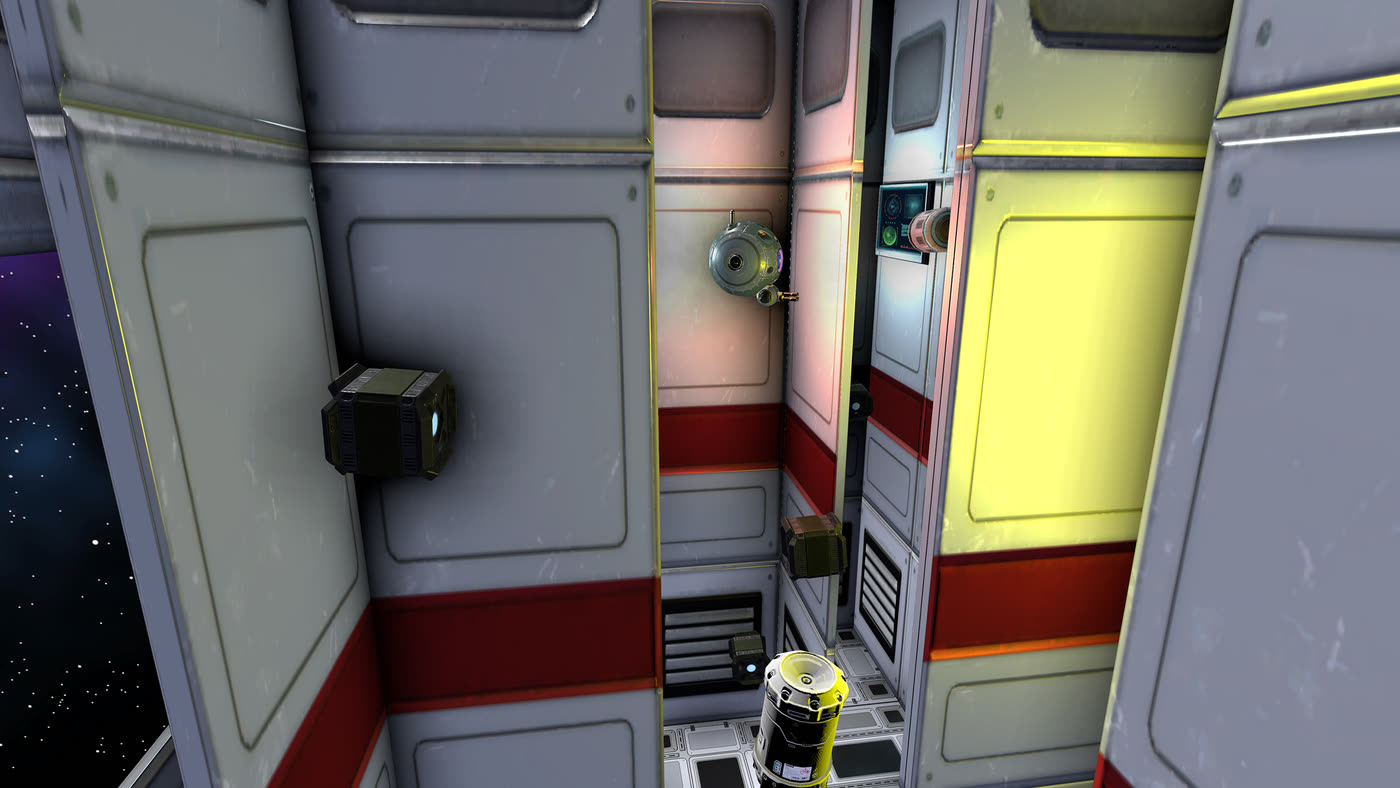
A practical room-scale setup checklist
- Clear the floorMove chairs, tables, loose cables and anything easy to trip over. Check the full area at floor, shoulder and hand height.
- Choose a clean rectangleUse the largest obstacle-free rectangle that still leaves a sensible margin. Do not map around furniture to gain nominal area.
- Set floor level and boundaryFollow the current room-scale setup shown by your Meta Quest headset. Confirm that the virtual floor aligns with the real one.
- Check the starting orientationBegin from the position and direction indicated in traVRsal so generated doorways and routes align with the mapped space.
- Pause if the room changesIf furniture moves, a person enters, tracking changes or the boundary no longer feels accurate, stop and remap before continuing.
The headset’s own system guidance remains the authority for device setup. Interfaces and supported hardware can change over time, so follow the prompts shown on the Quest rather than relying on an old screenshot or menu path.
Why natural walking feels different
With physical locomotion, your body supplies the movement. A one-metre step in the room is a one-metre step in the local virtual space. You approach a door by approaching it, turn a corner by turning and inspect an object by changing your real viewpoint.
The limitation is obvious: real walking normally ends at the boundary. traVRsal extends the route through connected impossible spaces. When you pass a doorway, the next room can be arranged over floor already used by a previous room. The transition changes the global map while your immediate movement stays direct.
This does not mean every experience excludes controllers. Worlds can still use buttons, tools, weapons or object interaction. “Natural walking” describes how you traverse the environment, not a promise that every action is hands-free.
To see the spatial technique in detail, read how overlapping architecture and portals create impossible-space VR. The short version is that each room is locally believable even though all rooms cannot exist together as one ordinary building.
How worlds respond to smaller and larger rooms
A room-scale system has to distinguish authored content from adaptable structure. A puzzle prop may need exact spacing. A story event may require a particular entrance. The connecting corridor, orientation or order of optional zones can be more flexible.
traVRsal worlds describe these constraints so the runtime can assemble a valid route. In a compact room, it may choose shorter zones and turn the path more often. In a larger room, it can use configurations with greater separation. Procedural elements can add variation while manually authored zones retain deliberate composition.
The result is not an infinitely resizable version of every world. Creators decide which modules and mechanics support which play-space ranges. This makes testing important: a strong room-scale world should be checked near its minimum size as well as in wider and deeper rectangles.
If you are interested in that authoring side, the traVRsal Unity world-builder guide explains zones, procedural and manual construction, Studio and publishing.
Boundaries, comfort options and accessibility
Keep the Quest boundary enabled and visible according to your device settings. traVRsal’s adaptive layout complements the platform boundary; it does not replace it. Stop whenever the physical environment is uncertain.
Natural walking is inherently a standing, movement-based interaction. Individual worlds may add different controls, pacing or challenge options, but their requirements can vary. Check the current Meta Quest listing and in-game descriptions for the experience you plan to enter.
Players should choose a setup that matches their own mobility and environment. The site does not make medical claims about locomotion methods. If standing, turning, reaching or wearing a headset is not suitable for you, follow relevant professional and platform guidance.
Good shared-space etiquette matters too. Tell other people that you are using a room-scale headset, keep children and animals outside the mapped area, secure doors where appropriate and avoid busy walkways. A technically valid boundary is only useful when the real room stays predictable.
Room-scale Meta Quest questions
How much room does traVRsal need?
traVRsal supports a clear rectangular room-scale play area starting at 1.5 × 1.5 metres. Larger rectangles can give compatible worlds more layout options.
Can I play traVRsal in a small room?
Yes, when the clear mapped rectangle meets the minimum size. The runtime selects and arranges compatible world sections around the available dimensions.
Do I need to draw the boundary precisely?
Yes. Map only floor you can safely use, keep a margin from walls and furniture, and follow the current Meta Quest boundary setup shown by the headset.
Does traVRsal require a joystick to move?
Its signature experiences are built around natural walking: physical steps and turns move you through connected virtual spaces. Controllers may still be used for interactions within a world.
What happens in a larger play space?
A larger clear rectangle gives the layout system more candidate placements and can allow compatible zones to use longer or wider configurations.
Make room for another world
Clear the floor. Cross the threshold.
Explore adventures, challenges, galleries and community creations built around your real footsteps.